
Free QR Code Generator
Create polished QR codes for URLs, WiFi, PDFs, contact cards, apps, messages, social profiles and business campaigns. Design, preview, test and download directly in your browser.
URL, PDF, multi-link, contact, app, message or social profile.
Adjust colours, frames and logo-ready presentation.
Preview the scan result before publishing or printing.
Free QR Code Generator
Create custom QR codes for URLs, WiFi, contact cards, WhatsApp, apps and more. Add frames, colours and a logo, then download as PNG or JPG. Everything runs in your browser, so your data never leaves your device.
Frequently asked questions
Are these QR codes free forever?
Yes. Static QR codes never expire and are completely free to create and download.
Can I make a WiFi QR code?
Yes. Choose the WiFi type, enter your network name and password, and anyone who scans it connects automatically.
Do you store my data?
No. QR codes are generated entirely in your browser. Nothing is uploaded to our servers.
Create a QR Code in 3 Easy Steps
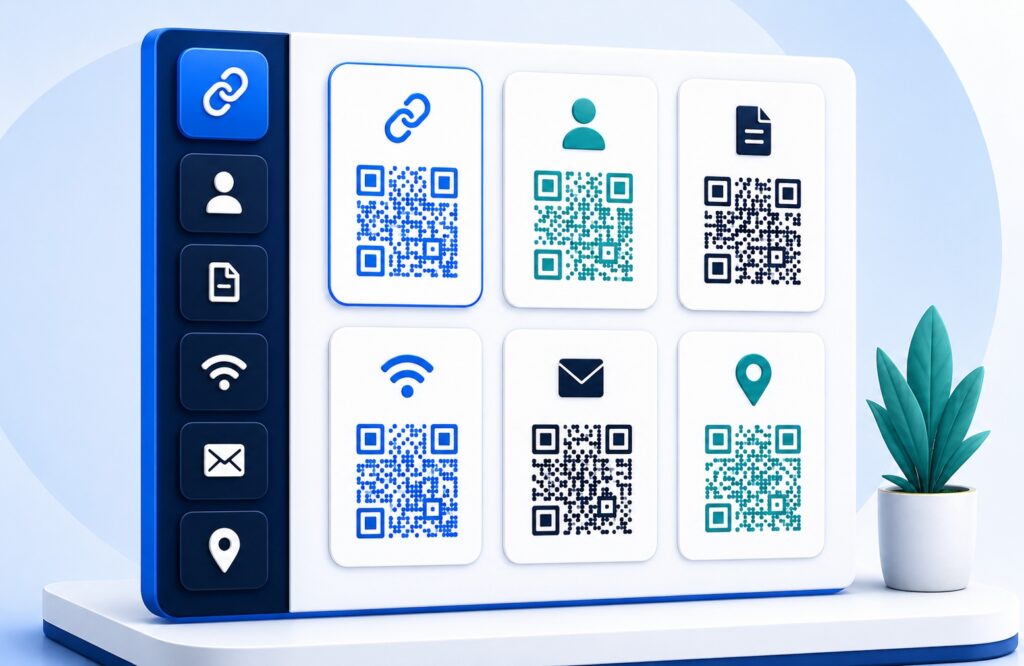
Choose Your QR Type
Select URL, PDF, multi-link, contact, text, app, SMS, email, phone or social.
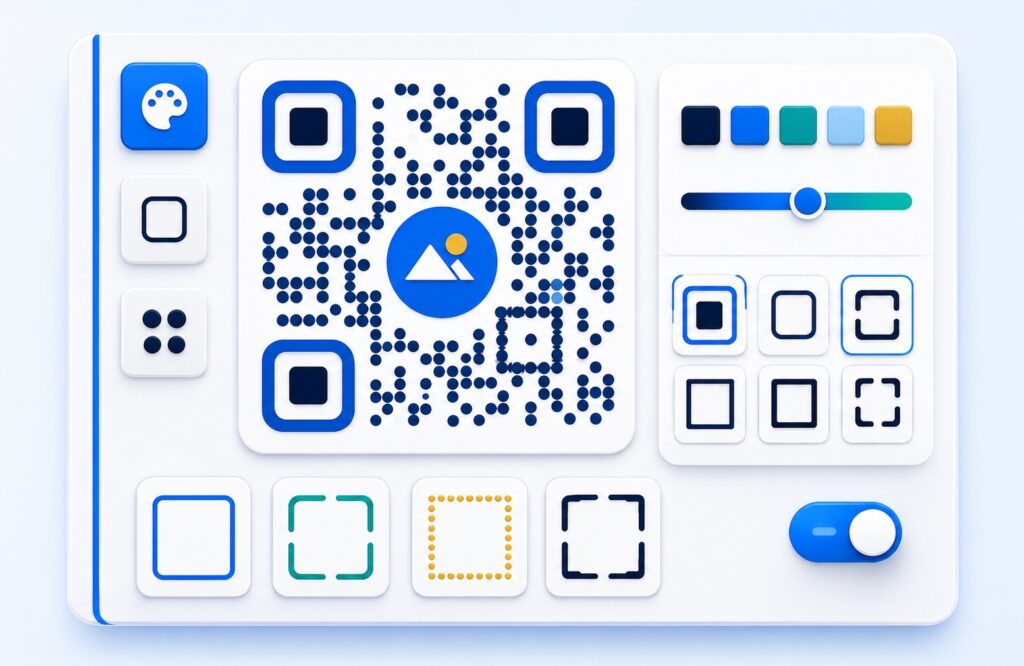
Customise Your Design
Choose colours, frames and shapes, and add your own logo. Every option is free.
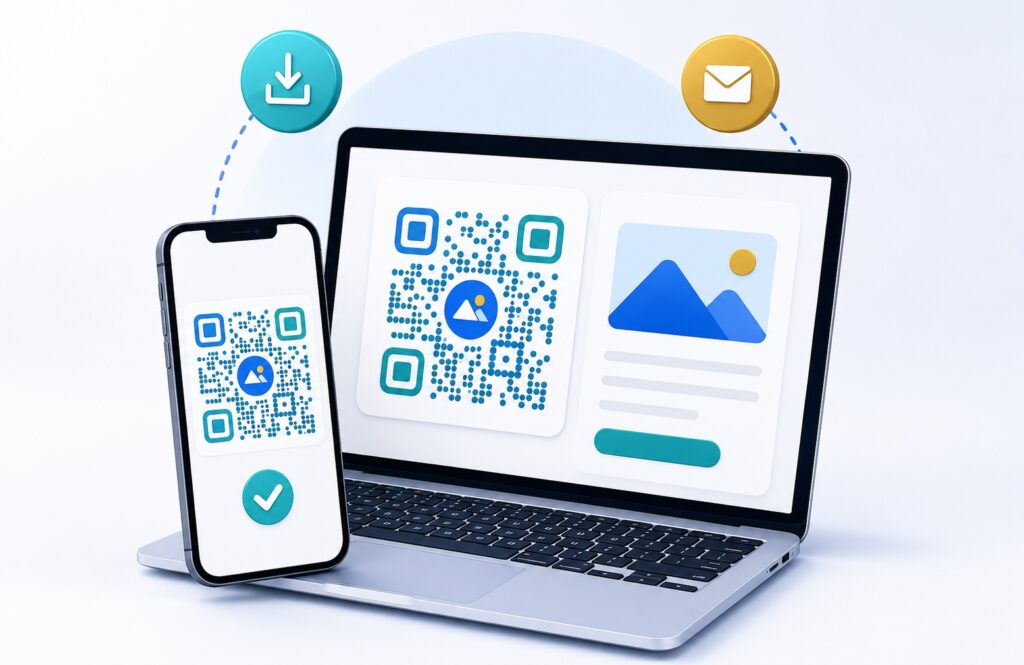
Download and Share
Preview and test your QR code, then download it in an available format.
QR Code Types Available
URL
Send scanners to a website, menu, catalogue, campaign page or booking form.
Open a public brochure, menu, guide, price list or other PDF file.
Multi-URL
Place several useful destination links together in one scannable code.
Contact
Share name, phone, email, company and website details from one scan.
Plain Text
Create a simple QR code for notes, instructions or short messages.
App
Direct mobile visitors to your app download or product page.
SMS
Prepare an SMS number and message for quick mobile responses.
Open a prepared email draft for enquiries, support or feedback.
Phone
Make it easier for customers to call your business number.
Social
Connect scanners to a public social profile, channel or community.
Choose How You Want to Create
Free — no sign-up
- All 11 QR content types
- PNG and JPG download
- Logo, frames, colours and styling
- URL, PDF, multi-link, contact, WiFi, text, app, SMS, email, phone and social
- Static QR codes never expire
- No limits, no watermark
QR Member Plan
- Everything in Free, plus:
- Dynamic QR — edit the destination anytime
- Scan analytics
- Saved QR management
- Folders and CSV export
Where Can You Use a QR Code?
QR Information and Recommendation Page
 . ')
Packaging
Use QR codes on boxes, inserts and product packs for instructions, support or product pages.
 . ')
Posters & Flyers
Turn printed campaigns into trackable scan points for offers, maps, registrations and WhatsApp links.
 . ')
Business Cards
Let contacts save your details quickly from a premium card, profile or digital vCard experience.
 . ')
Tables & Counters
Place QR codes on counters and tabletops for menus, orders, reviews, membership or payment actions.
What Businesses Use QR Codes For
Practical ways any business can connect printed materials, counters and customer touchpoints to useful digital information.
QR Code Guide/FAQ
QR Code Basics
What is a QR code?
A QR code is a scannable square code that can open information such as a website link, contact card, WiFi details, text, email, phone number or SMS message.
Are EasyTools static QR codes free?
Yes. Basic static QR code creation is free in the EasyTools browser-based generator.
Do static QR codes expire?
Static QR codes do not expire because the information is stored directly inside the QR code.
What is the difference between static and dynamic QR codes?
A static QR code stores fixed information. A dynamic QR code uses a redirect link so the destination can be changed later and analytics can be recorded where supported.
Can I create QR codes without registering?
Yes. You can create and download basic static QR codes without registering. Registration is used for account features such as saved QR management where supported.
Are QR codes safe to scan?
A QR code is a link or data container, so scan codes from trusted sources and check the destination before entering personal information.
Can QR codes work without internet?
QR codes containing text, phone numbers, SMS, contact details or WiFi information can work without internet. Website and email links need an internet connection to open online services.
Design and Customisation
Can I change QR colours?
Yes. The generator supports QR colour and background colour controls. Keep strong contrast for reliable scanning.
Can I add my logo?
Yes. The generator includes logo upload support. Use a clear logo and test the QR code before printing.
Can too much customisation affect scanning?
Yes. Low contrast, oversized logos or complex styling can make QR codes harder to scan.
How much contrast should a QR code have?
Use a dark QR colour on a light background where possible. Avoid pale-on-pale combinations.
Is anything here paid or limited?
No. Every QR type, every design option and every download on this site is free. An account is only needed if you want to save a design.
Download and Scanning
Which download formats are available?
The current browser generator supports PNG and JPG downloads. Premium SVG or high-resolution options are shown only where supported.
What size should I use for printing?
Use the highest available download size for print, and test the printed QR code at the final physical size before producing many copies.
Why will my phone not scan a QR code?
Common causes include low contrast, a damaged print, a logo covering too much of the code, poor lighting or a code printed too small.
Do I need a special scanner app?
Most modern phone cameras can scan QR codes without a separate app.
Does it work on both iPhone and Android?
Yes. Every code made here is a standard QR code that the built-in camera reads on both. Open the Camera app, point it at the code and tap the link that appears. On older Android phones without built-in scanning, Google Lens or any free scanner app works.
My QR code scans on Android but not on iPhone. Why?
This is the most common scanning complaint, and it is usually the design rather than the code. The iPhone camera is stricter than Android about the three large squares in the corners, which it uses to lock on and orient. Heavy styling of those corners, low contrast, or a code printed too small will fail on iPhone while still working on Android. Keep strong dark-on-light contrast, leave the white border around the code intact, and test on an iPhone before printing.
Do I need to be online for the code to work?
Scanning itself works offline, but opening the link needs a connection. A Wi-Fi or contact-card code works completely offline, because the information is stored inside the code itself.
How should I test a QR code before printing?
Scan it on more than one phone, test from the final printed size and check the destination or encoded details carefully.
Can I view scan analytics?
Scan analytics are available only for supported dynamic QR features. Basic static QR codes do not provide analytics.
Create Your QR Code Today
Create a static QR code straight away — it never expires. Register free to save your designs, or to make a dynamic QR code you can re-point later.